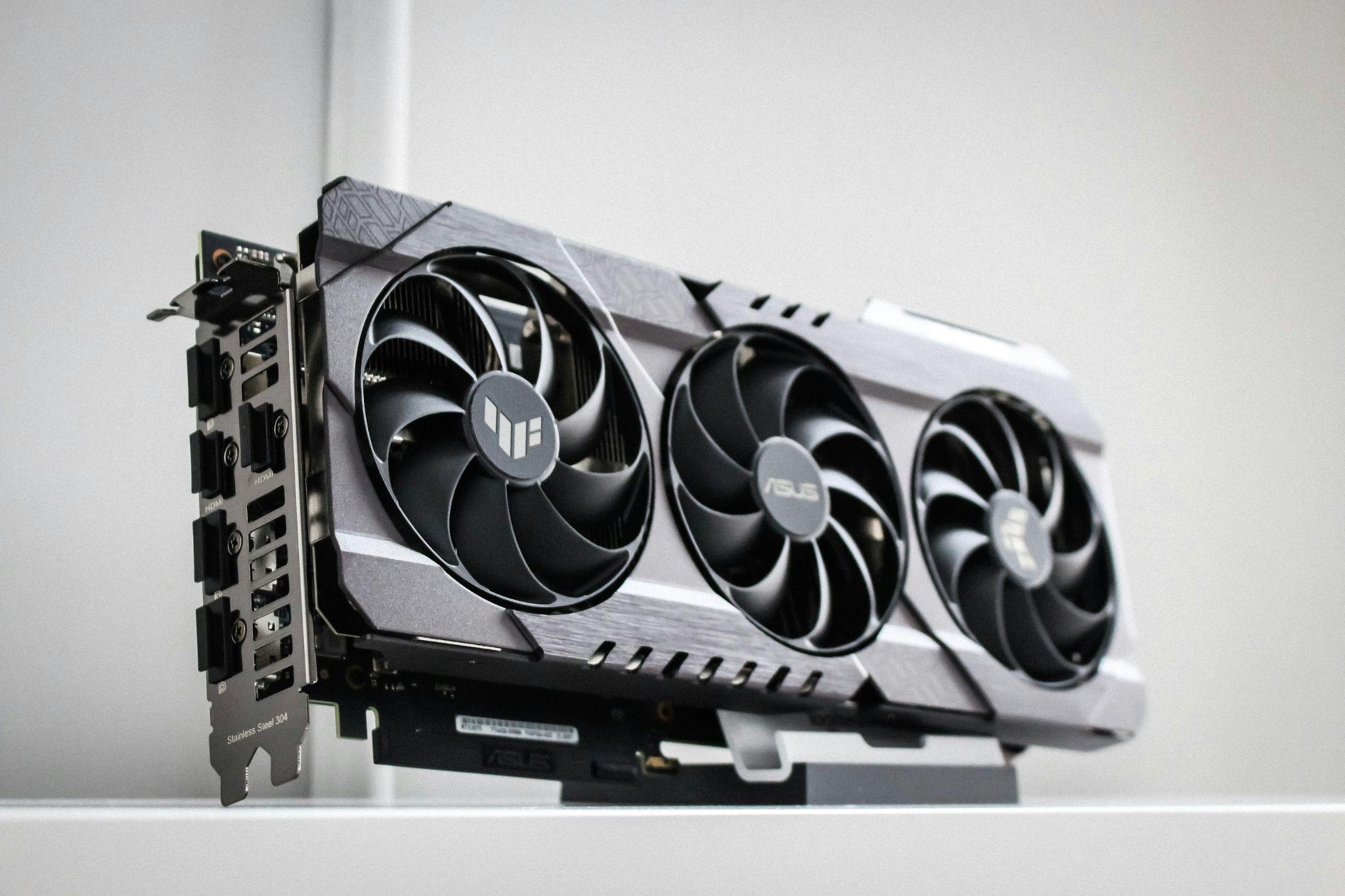
Choosing a graphics card for daily creative work is less about chasing the highest number on a box and more about matching silicon to the software you actually open every morning. A photo retoucher, a motion designer, and a hobbyist 3D modeller all press the same buy button for very different reasons, and the card that thrills one of them can frustrate another within a week.
Reviewers who benchmark cards for creative suites often break for a mental reset with something light between test runs. Sometimes, they have a quick round of a browser puzzle or a casino game vortex aero session between render passes, and then go back to colour charts and viewport frame times.
Read the Spec Sheet Like a Working Artist
Spec sheets are written for gamers, so creative buyers have to translate. Two numbers deserve most of your attention because they decide whether large projects load at all and how smoothly they move once they do.
VRAM Is the Ceiling, Not a Bonus
Video memory sets the size of the scene, canvas or timeline your card can hold without swapping to system RAM. Once you exceed it, performance falls off a cliff regardless of how fast the core is.
For 24 megapixel photo editing with a handful of layers, 8 GB is usually fine. Serious Lightroom catalogues, 4K video timelines with LUTs, or Blender scenes with heavy textures start to feel cramped below 12 GB, and 16 GB has become the comfortable middle for mixed creative work in 2026.
Memory Bandwidth and Bus Width
Bandwidth decides how quickly that VRAM feeds the shader cores. A 128 bit bus on a modern card can bottleneck heavy 4K video scrubbing even when total memory looks generous on paper. Look for the GB per second figure, not just the memory size, and be sceptical of cards that pair large VRAM with a narrow bus at a suspiciously low price.
Match the Card to the Software You Actually Run
Creative applications do not treat GPUs equally. Some lean on CUDA, others prefer OpenCL or Metal, and a growing number use vendor neutral APIs like Vulkan. Buying without checking your main tool is the most common mistake in this category.
Photo and Vector Work
Photoshop, Affinity Photo, Capture One, and Illustrator use the GPU mostly for viewport rendering, filters, and a few AI features. A midrange card with 8 to 12 GB of VRAM handles this comfortably. Spending more here rarely shortens your day; better to invest the difference in a calibrated monitor.
Video, 3D, and AI-Assisted Tasks
DaVinci Resolve, Premiere Pro with heavy effects, Blender Cycles, Cinema 4D, and Stable Diffusion style tools all scale hard with GPU power and VRAM. Encoder quality also matters: NVENC and AV1 encoders shorten export times measurably.
Fit, Power, and the Boring Details That Decide Returns
Plenty of otherwise sound purchases end in a return because the card did not fit the case, tripped the power supply or ran too hot for a small room in a Mumbai summer. These constraints are worth checking before the shortlist becomes a checkout:
- Physical length in millimetres against your case clearance, especially for compact ATX or ITX builds.
- Slot width, since many current cards occupy 2.5 or even 3 PCIe slots.
- Recommended PSU wattage and the exact 8 pin or 12V 2×6 connector required.
- Noise profile under sustained load, not just idle numbers.
- Driver track record for your operating system, including any known Linux quirks if you use it.
Building a Setup That Still Feels Right in Two Years
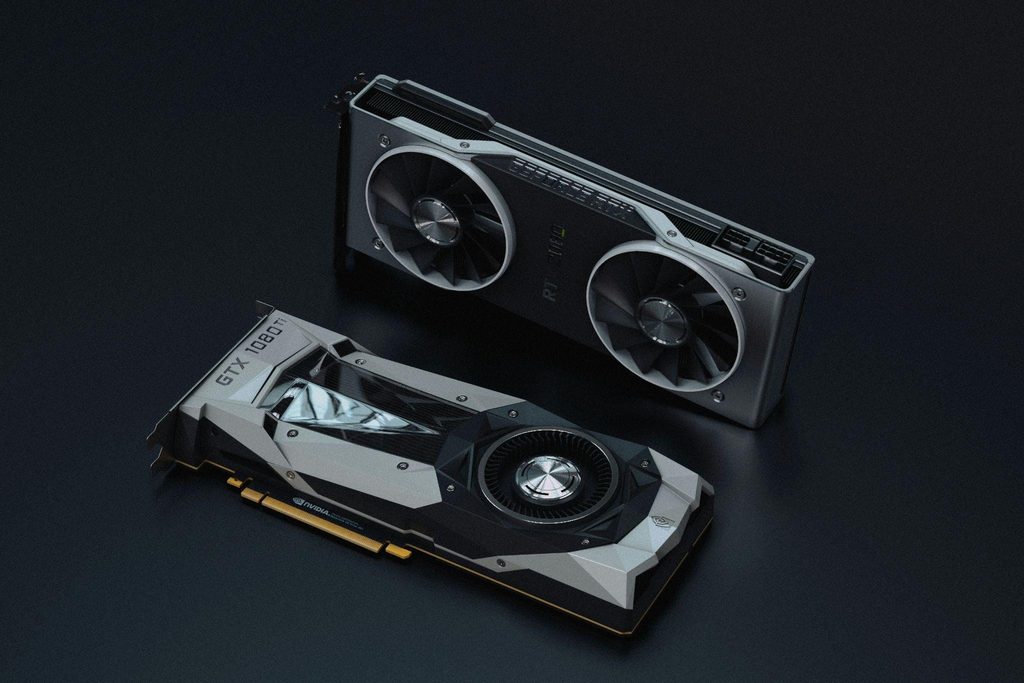
A creative GPU purchase should survive at least one software upgrade cycle without feeling slow. That usually means buying one tier above what your current projects strictly need, so the card has headroom when your files grow, your clients ask for 6K deliverables, or a new AI feature quietly doubles VRAM demand overnight.
Pair the card with a power supply rated 150 watts above its peak draw, a case with genuine front to back airflow, and drivers you update on a schedule rather than in a panic. Do that, and the box on your desk stops being a spec sheet and becomes what it was meant to be, a quiet tool that keeps up with the work.