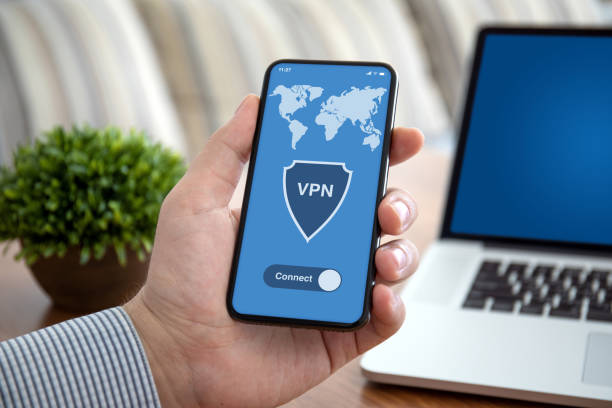

Android smartphones carry a massive portion of our daily lives, from personal conversations and banking applications to online shopping and work emails. The flexibility of the Android operating system provides a great deal of freedom; however, open networks can also allow your mobile data to be viewed by third parties, advertisers and cyber criminals. Virtual private networks are an effective barrier that encrypts your Internet communication. There are hundreds of tools available in the application stores on mobile devices, however, one has to think carefully about which one to use. Below are some key factors you must take into consideration before choosing security software for your Android device.
Evaluate Connection Speeds and Data Policies
The mobile internet user wants a speedy and reliable connection when they’re on the move to stream videos, play mobile games, and download files. Some security services have tight restrictions on data usage or artificially restrict data speeds for mobile users, causing excessive delays and buffering. One of the most important things to consider is to find tools that have reliable bandwidth and ample data limits. Installing a trusted VPN app for Android ensures your mobile data stays encrypted without sacrificing connection performance. The ability to locate software that keeps consistent speeds will help you safeguard your online actions flawlessly during the day.
Look for Strong Encryption and No-Log Policies
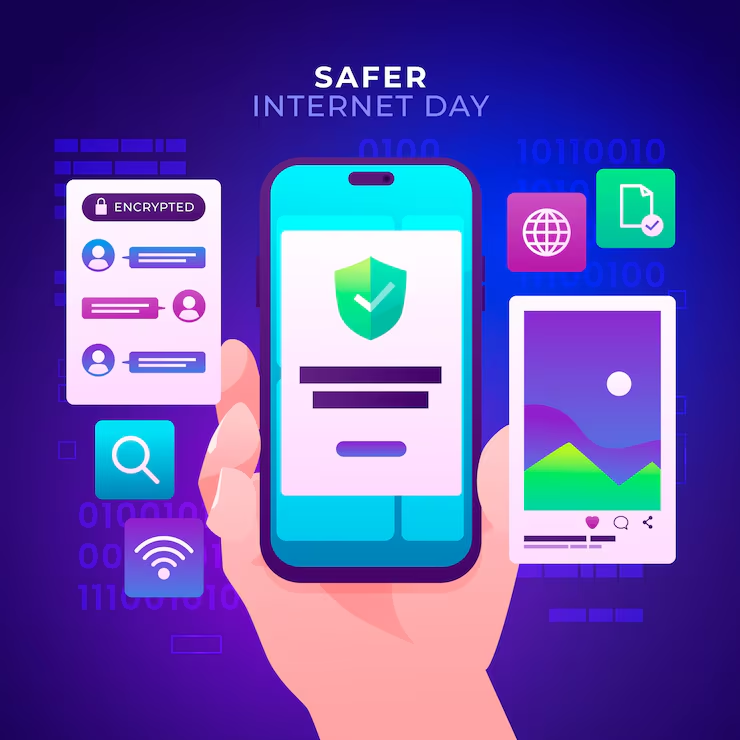
Digital protection devices are mainly there to protect your sensitive information from unauthorized access. High-grade encryption protocols scramble your Internet communications so that a hacker on a public network can’t capture the credit card number or your password. Also, you will have to ensure that the provider respects user privacy. Reliable services maintain the strictest no-logs policies, which means they don’t collect, store, or sell your browsing history and personal information. Focusing on solid security measures ensures that your online presence is entirely private as well as safe.
Check App Control and Split Tunneling Features
Numerous background applications are running on Android devices, and not all apps need network encryption. Split tunneling or per-app protection allows you to control whether individual apps are protected by encryption. For instance, you can configure your web browsing and banking software to use the secure servers, while the other programs on your computer, such as local navigation software and streaming programs, continue to go straight to the Internet. Opting for software that has adjustable application controls allows you to have the highest level of security while also striking the best balance for app performance in your day-to-day activities.
Prioritize Simple Controls and User Experience
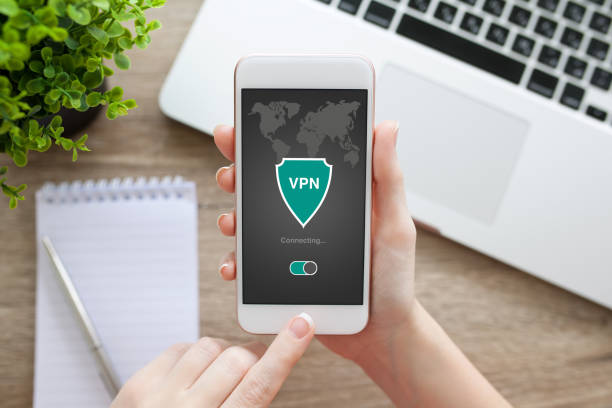
The ideal security tool is simple and user-friendly, even for complete novices. Long and complicated configuration menus and cluttered layouts make everyday protection difficult to handle on a mobile touch screen. Look for software that offers clean interfaces and simple one-tap controls for instant activation. Home screen widgets or auto-reconnect after phone reboots are just a couple of the features that make it easy to stay protected. An easy-to-use design makes it natural and quick to engage digital protection whenever you connect to public networks.
Conclusion
The right digital security software for your Android device is key in keeping your digital privacy safe. The ability to factor in the important considerations, including stability of the high-speed connection, uncompromising encryption standards, customizable app rules, and intuitive user controls, makes it easy to find a solution that works for you. These simple measures put you in better control of the internet and its offerings, while letting you enjoy streaming and transactions safely from anywhere. A few minutes’ investment in the right protection can keep your personal information strictly private across all mobile networks you join.