
Growing companies rarely plan for the day their network starts to strain. New staff arrive, more devices connect, and suddenly the wireless that once felt reliable begins to stutter. Building a setup ready for expansion keeps daily work steady, protects the money already spent on technology, and saves you from repeated upgrades later.
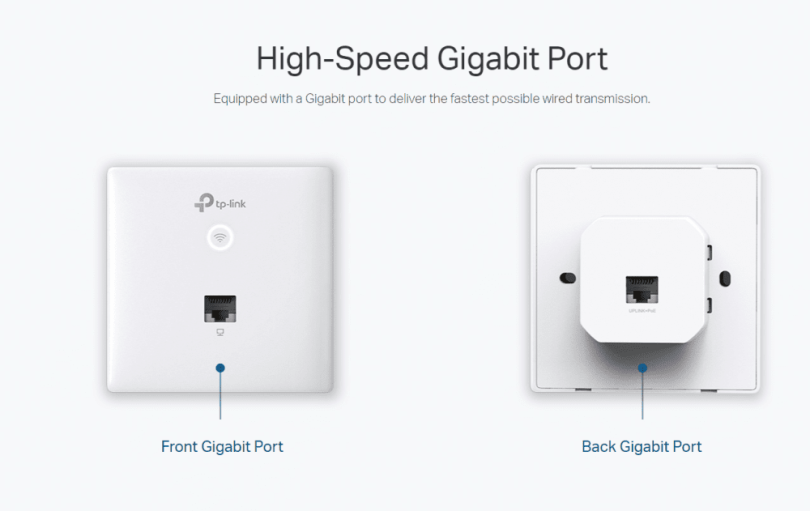
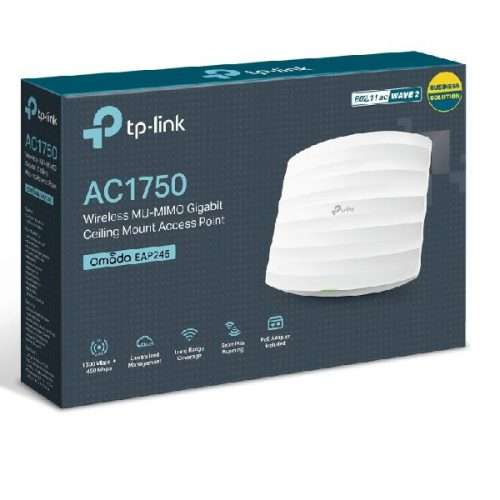
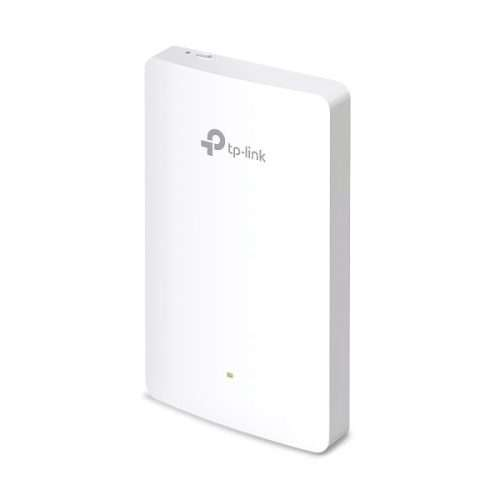
Choosing the right wireless hardware shapes how far a business can grow before problems appear. A well placed TP Link access point gives offices wider coverage, steadier connections, and the headroom to add users without losing speed. That kind of stability lowers downtime, keeps teams productive, and helps you avoid the frustration of patchy signals that quietly drain working hours every single day.
Why Bigger Teams Quietly Outgrow Yesterday’s Setup
Strain Shows Up Long Before A Total Failure: Most wireless trouble starts small. A video call drops, a file takes longer to send, and people assume it is just a bad day. Those small delays add up across a busy office, and by the time complaints grow loud, the system has already been struggling for months on end.
Devices Multiply Faster Than People Expect: Every laptop, phone, printer, and smart screen competes for the same airspace. Strong network infrastructure carries that load without forcing users to fight for bandwidth. When the underlying design has room to breathe, adding a dozen new connections feels routine rather than risky, and performance stays predictable through busy mornings.
Coverage That Holds Steady When Everyone Logs On
Dead Zones Cost More Than They Seem: A corner meeting room with weak signal slowly changes how people work. Staff drift toward stronger spots, crowd the same areas, and avoid rooms that should be useful. Good placement removes those dead zones, so the whole floor stays usable and you get full value from the space you pay for.
Steady Signal Keeps Daily Work Moving: Reliable wireless infrastructure for office environments means fewer dropped calls and far less time wasted on reconnecting. People stop blaming the technology and simply get on with their tasks. That quiet reliability is easy to overlook, yet it shapes how much a team actually finishes during any given week.
Control Matters As Much As Reach: Wider coverage alone is not enough if there is no way to manage it. Central control lets you adjust settings, watch traffic, and spot weak points before they become complaints. That visibility turns guesswork into informed decisions, and it gives smaller teams the same oversight larger organisations rely on.
Planning Spend So Growth Never Drains The Budget
Cheap Fixes Often Become Expensive Habits: Buying the lowest cost gear feels smart until the replacements pile up. A weak unit that fails under load forces emergency purchases, rushed installs, and lost hours. Spending a little more on hardware suited to real demand usually works out cheaper across two or three years of steady use.
A few things worth checking before any purchase:
- Count current devices and add room for the growth you expect over the next two years.
- Map the rooms and corners where signal tends to weaken during busy hours.
- Match hardware speed ratings to the way your team actually uses video and cloud tools.
- Confirm warranty terms and support options so a fault does not stop work for days.
Smart Choices Pay You Back Quietly: Good planning rarely gets noticed because nothing breaks. There are no panicked calls, no frozen screens during a deadline, and no awkward apologies to clients waiting on a slow upload. That calm is the real return on careful spending, and you feel it most on the days you never had to think about it.
Habits That Keep Connections Reliable Year After Year
Small Reviews Prevent Big Surprises: Networks change as a business changes, so a setup left untouched slowly falls behind. A short review every few months shows where traffic has grown and which areas now need attention. These quick checks cost little time, yet they catch the slow decline that otherwise ends in a sudden, costly failure.
Updates Are Boring And Worth It: Firmware updates fix security gaps and smooth out performance issues, yet they often get ignored. Skipping them leaves the door open to slowdowns and avoidable risks. Keeping hardware current is dull work, true, but it protects everything connected to it and spares you the far worse job of cleaning up after a breach.
Mistakes That Quietly Cost Offices Real Money
One Size Rarely Fits Every Room: A single setting pushed across the whole building ignores how different spaces behave. A packed open floor needs different handling than a quiet back office. Treating every area the same leaves some rooms overloaded and others barely used, which wastes both the hardware and the budget behind it.
Ignoring Growth Is The Costliest Habit: The biggest mistake is building only for today. A team that doubles in two years will outpace a network sized for its current headcount, and the rebuild always costs more than planning ahead would have. Leaving room to grow now saves you from tearing things out and starting over far too soon.
Set The Stage For Whatever Comes Next
A network built for expansion does more than carry today’s traffic. It removes the frustrations, protects the money already invested, and lets a business grow without fear of the system holding it back. The smartest time to plan for that stability is before the strain begins. Explore the access point solutions that keep your office ready for what comes next.